Best learning management systems for upskilling (2026)

Upskilling is becoming a core part of how training organisations operate. According to the World Economic Forum’s Future of Jobs 2025 report, 44% of core job skills will change in the next 5 years. As skills change and expectations rise, people need to keep developing without losing time or momentum. That puts pressure on training providers to deliver programmes that are structured, flexible and easy to scale.
A learning management system (LMS) helps make that possible. But choosing the right one isn’t always straightforward. Different platforms are built for different use cases and what works for one organisation won’t necessarily work for another.
To help you find the right fit, we’ve listed some of the best LMSs for upskilling in 2026 and what each of them is best at.
List of the best LMSs for upskilling (2026)
There’s no one-size-fits-all LMS. The right choice for your organisation depends on your goals, your audience and how you approach training.
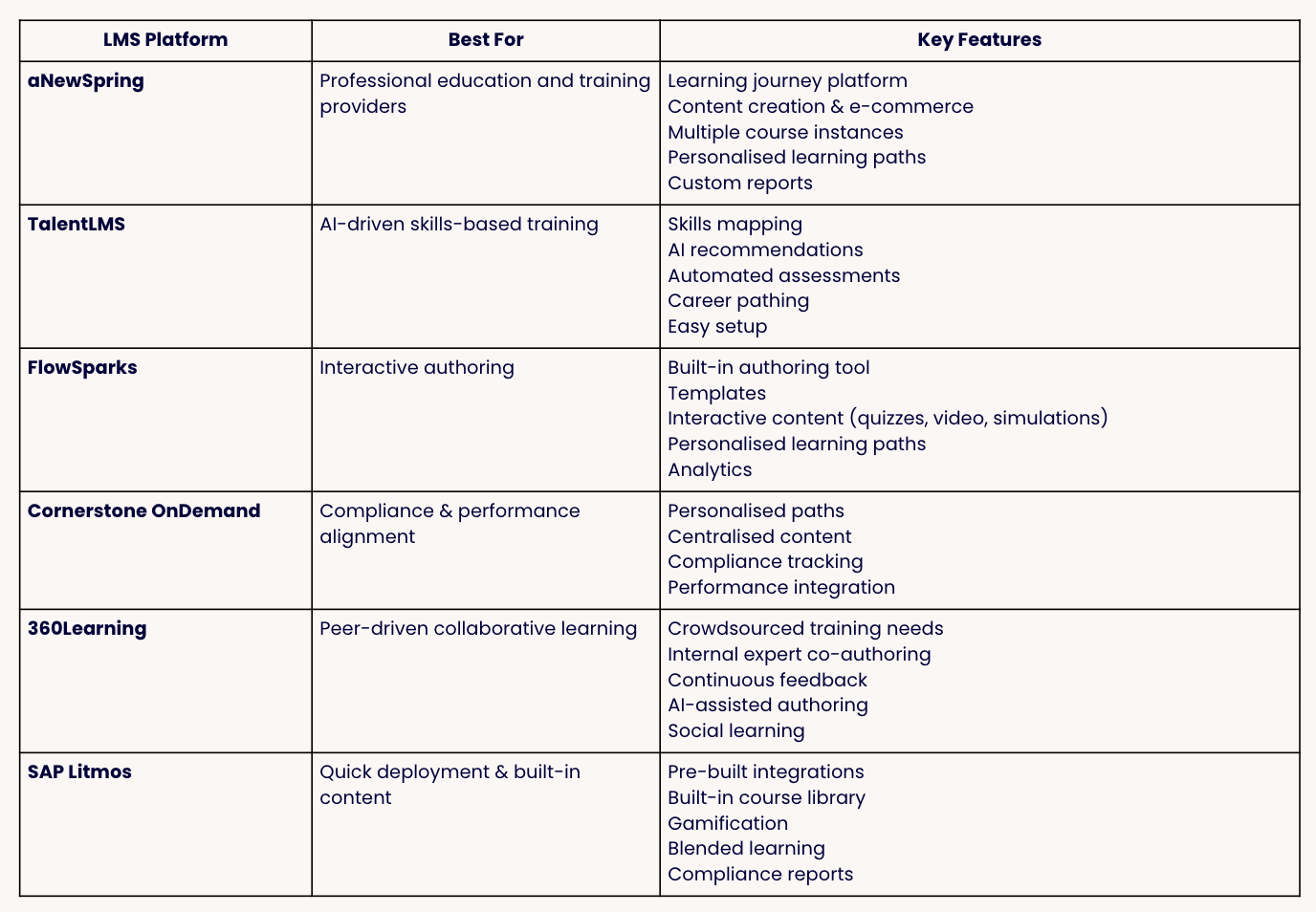
In no particular order, below are some of the top platforms for upskilling, each with a different focus:
aNewSpring: best for multi-audience training and e-commerce
TalentLMS: best for AI-driven skills-based training
FlowSparks: Best for interactive authoring
Cornerstone OnDemand: Best for compliance
360Learning: Best for peer learning
SAP Litmos: Best for quick deployment
1. aNewSpring
Category: Best for multi-audience training and e-commerce
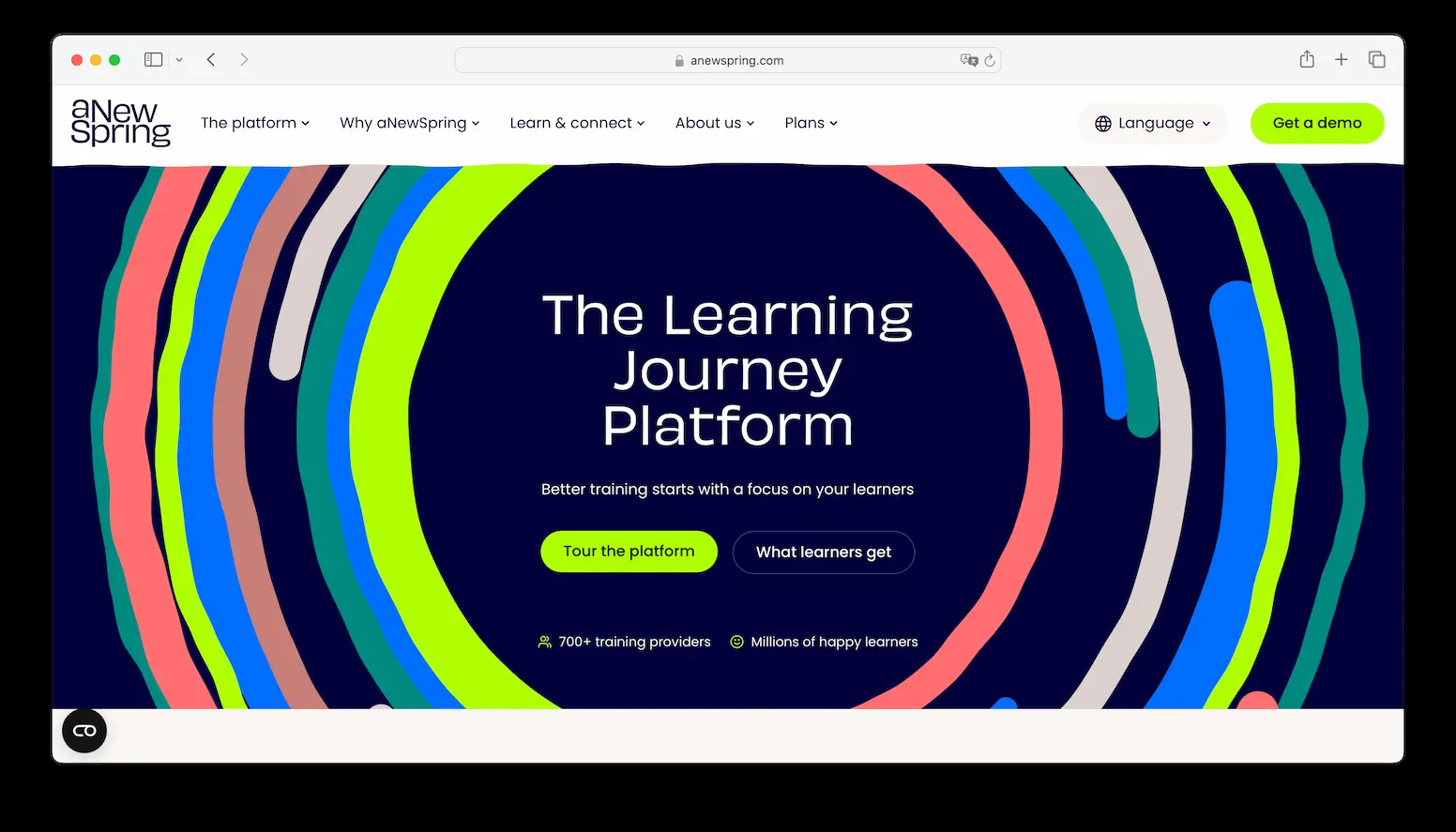
aNewSpring (hey, that’s us 👋) is an LMS designed specifically for organisations that deliver training at scale, especially to external audiences like customers, partners or clients. Unlike traditional LMSs that focus mainly on content delivery, aNewSpring helps you design structured learning journeys that combine online and offline learning.
It also includes features like adaptive learning and knowledge retention, which ensure learners focus on what they actually need to improve. On top of that, our platform supports e-commerce, making it possible for you to sell courses and manage enrolments in one place.
Advantages of aNewSpring:
Built for multi-audience training
Adaptive learning and knowledge retention features (e.g. spaced repetition)
Strong support for blended learning and structured learning journeys
Built-in e-commerce and enrolment management
Disadvantages of aNewSpring:
Less suited for companies looking for a simple, internal-only LMS
Not a course marketplace (you manage and sell your own content)
Pricing scales with the number of learners
Pricing
aNewSpring offers a free trial for individual trainers. Pricing for trainers starts at about €18 per learner per year and scales based on the number of learners. For training organisations, aNewSpring offers custom pricing.
Website
2. TalentLMS
Category: Best for AI-driven skills-based training
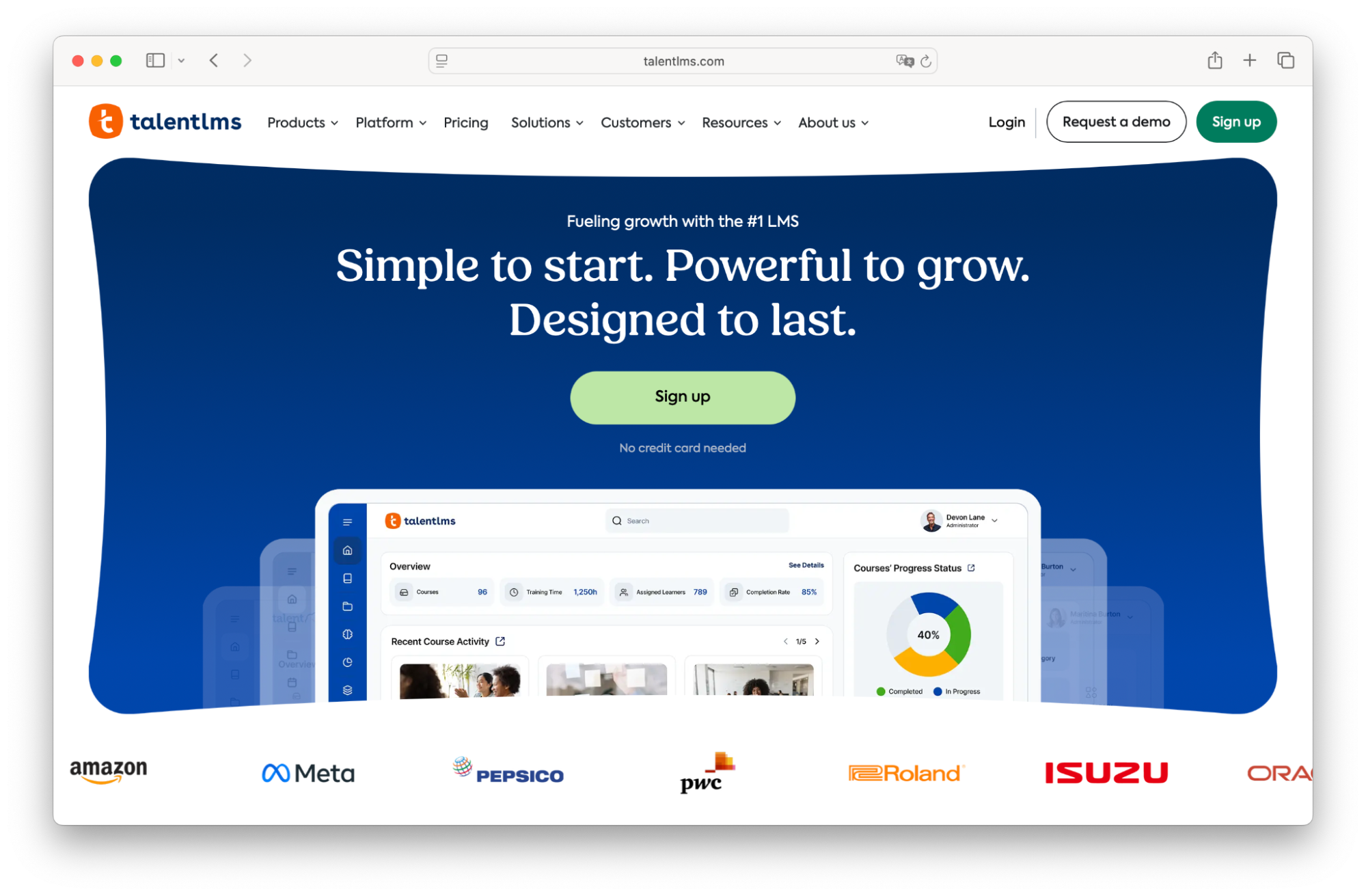
TalentLMS is a user-friendly platform that focuses on making learning more aligned with business needs through skills-based training. It helps organisations map skills across teams and connect those skills directly to learning content. With built-in AI features, TalentLMS can recommend courses, generate assessments and support personalised development paths. This makes it easier to move from generic training to targeted upskilling initiatives.
Advantages of TalentLMS:
Strong focus on skills-based learning and skill gap analysis
AI-powered recommendations and automated assessments
Easy to use and quick to implement
Supports career pathing and employee development
Disadvantages of TalentLMS:
Limited support for external training or multi-audience use cases
Less advanced in building structured, long-term learning journeys
Fewer features for monetising training
Pricing
TalentLMS has 3 tiered plans, with the most basic starting at US $119 per month for up to 100 users. There is also an Enterprise plan with custom pricing for larger deployments.
Website
3. FlowSparks
Category: Best for interactive authoring
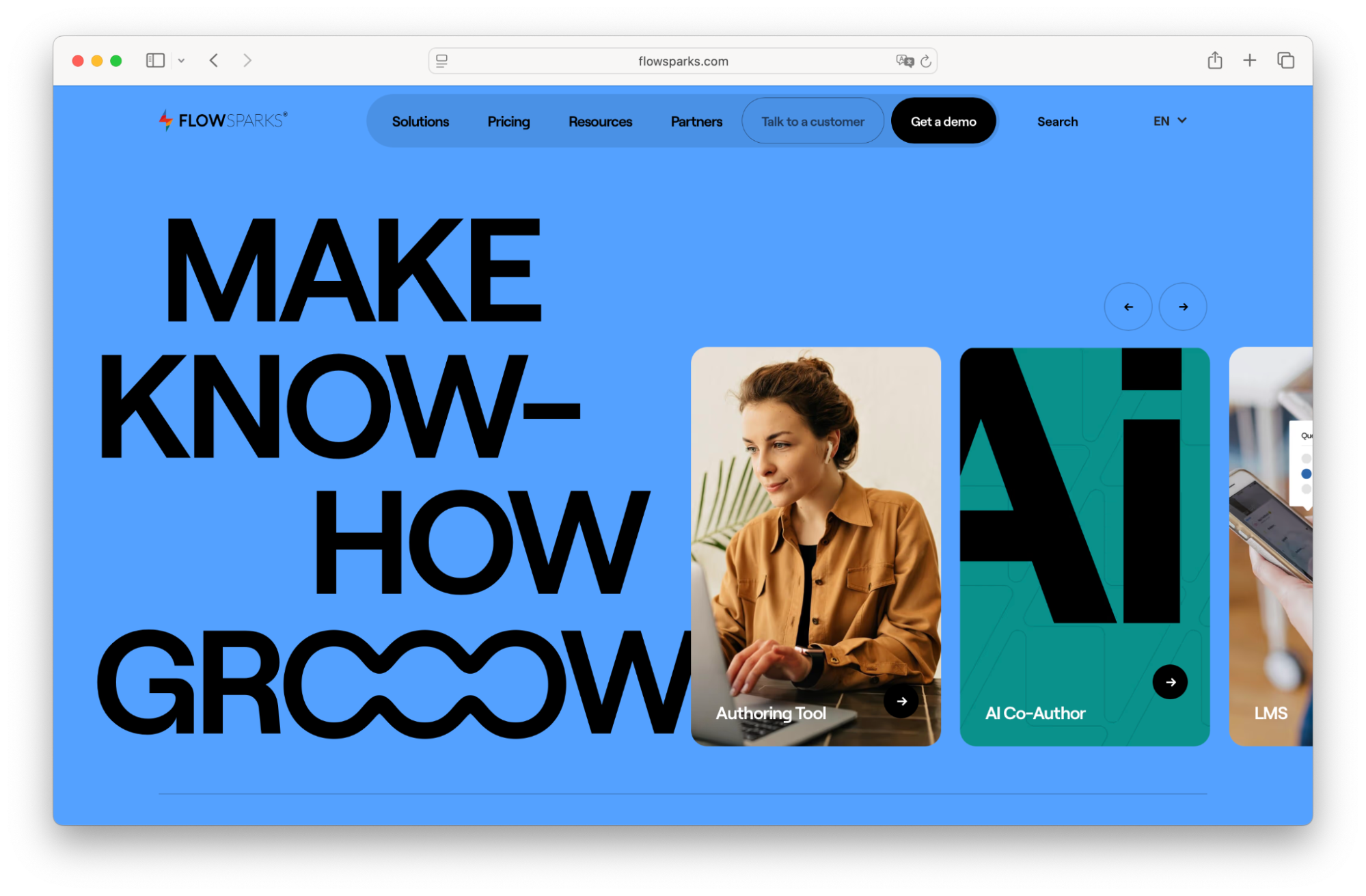
FlowSparks is a platform that combines LMS functionality with a strong built-in authoring tool, making it ideal for creating engaging and interactive learning content. It allows organisations to quickly build courses using templates and add interactive elements like quizzes, videos and simulations. The platform also supports personalised learning paths, helping tailor training to individual needs.
FlowSparks is particularly useful for teams that want to produce high-quality e-learning content efficiently. However, its strength lies more in content creation than in broader learning strategy or scaling complex training operations.
Advantages of FlowSparks:
Powerful built-in authoring tool with ready-to-use templates
Interactive learning experiences (quizzes, videos, simulations)
Supports personalised and adaptive learning paths
Strong analytics for tracking engagement and effectiveness
Disadvantages of FlowSparks:
Less focused on broader training operations (e.g. selling courses)
Limited support for multi-audience or external training at scale
Can require effort to design and maintain high-quality content
Pricing
FlowSparks uses a subscription licence model. Pricing starts around US $7 500 and there is no free trial or published per‑user plan, so organisations need to contact sales for a personalised quote
Website
4. Cornerstone OnDemand
Category: Best for compliance
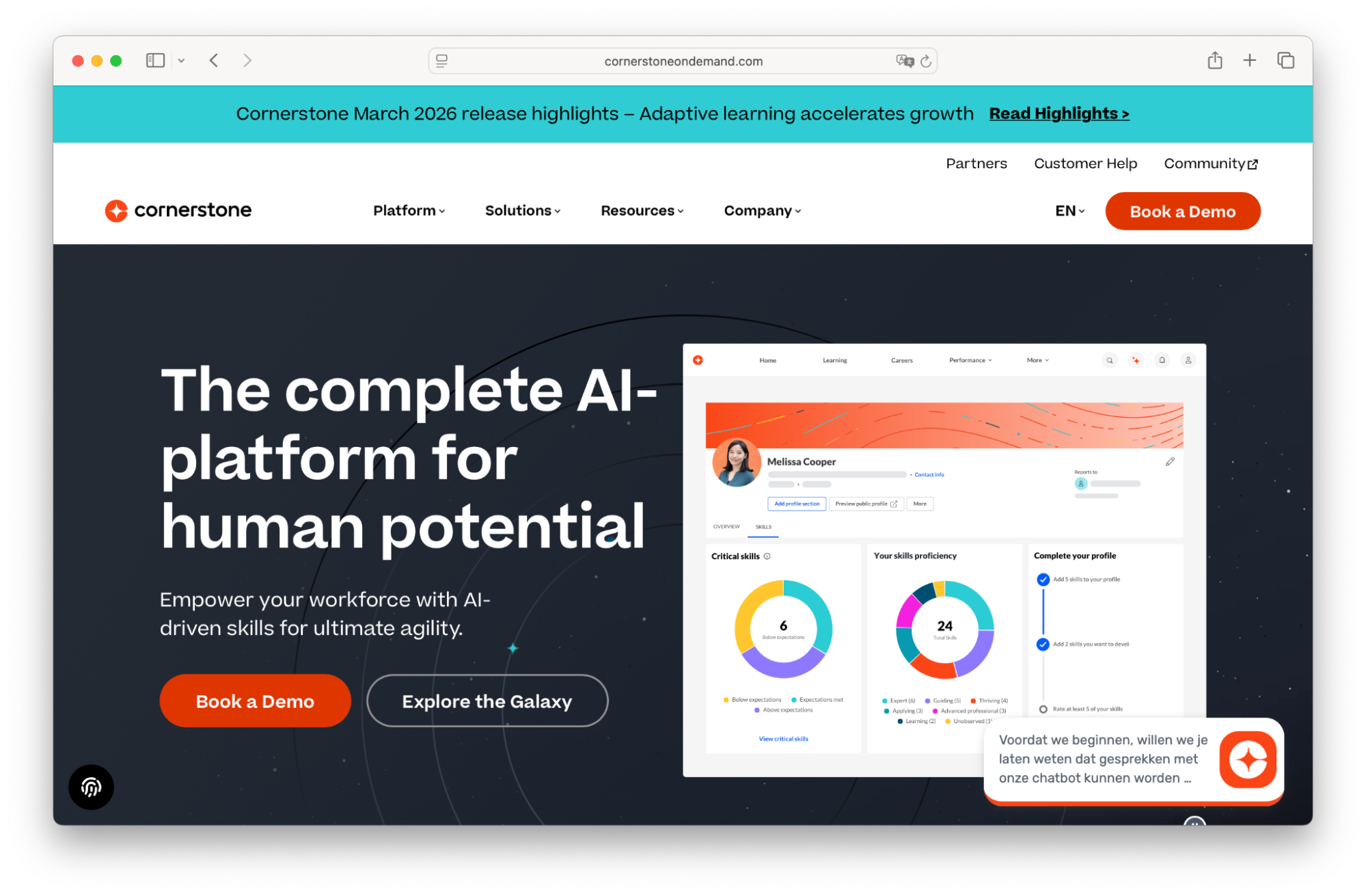
Cornerstone OnDemand is an enterprise LMS that’s widely used in large organisations, especially those operating in regulated industries. It combines learning management with performance management, making it easier to align training with business goals and compliance requirements.
The platform offers robust tracking, reporting and role-based learning paths, which are essential for managing mandatory training. Cornerstone is built for scale and complexity, which makes it powerful but sometimes less flexible and user-friendly. It’s best suited for organisations where compliance and structure are top priorities.
Advantages of Cornerstone OnDemand:
Strong compliance tracking and reporting capabilities
Integration with performance and talent management systems
Scalable for large, enterprise organisations
Role-based learning paths aligned with organisational structure
Disadvantages of Cornerstone OnDemand:
Can feel complex and less intuitive to use
Less focus on engaging or interactive learning experiences
Implementation and management can be resource-intensive
Pricing
Cornerstone’s pricing is quote‑based and varies depending on user volume, modules and contract terms. Contact their sales team for more information.
Website
5. 360Learning
Category: Best for peer learning
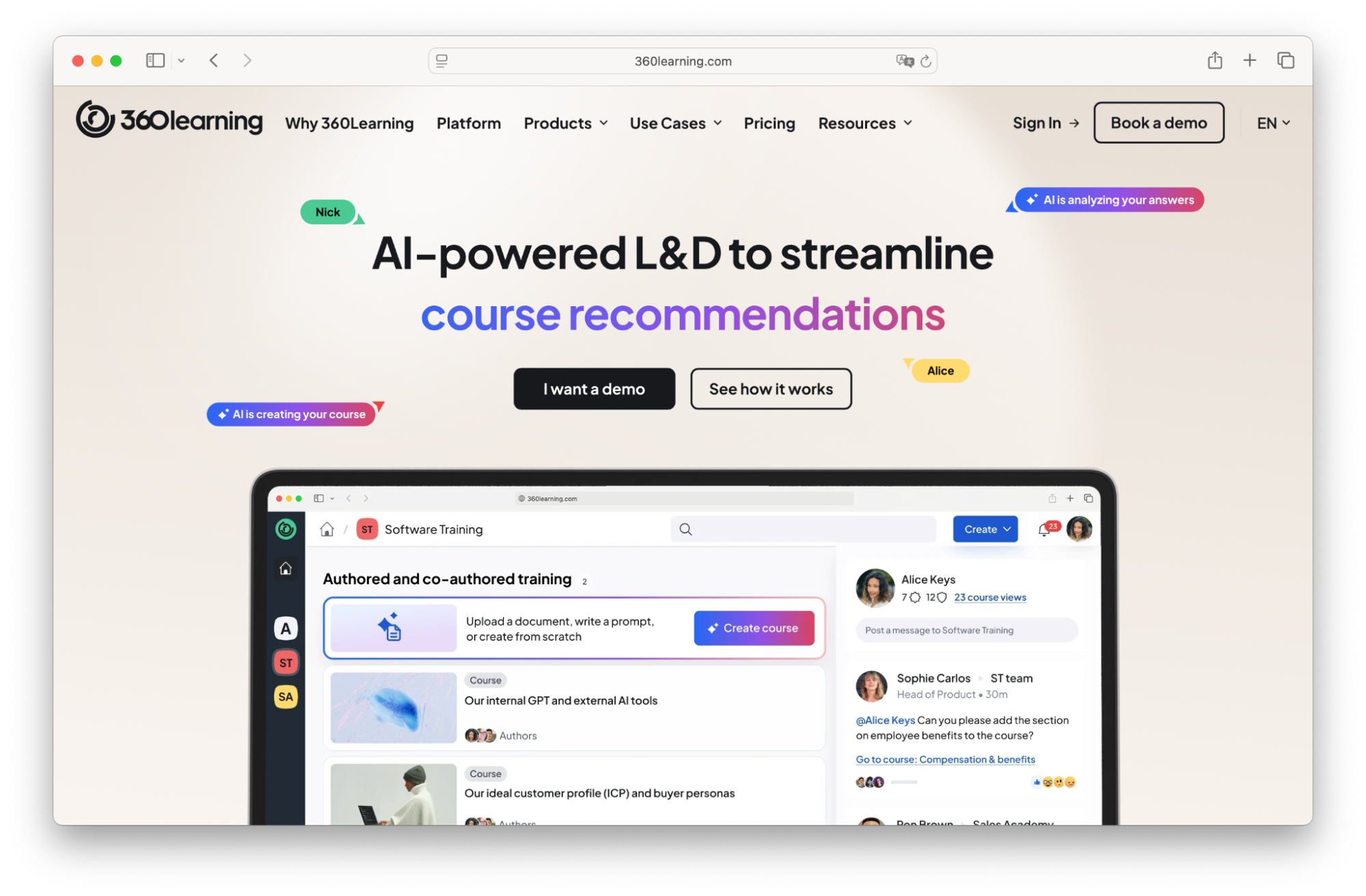
360Learning takes a collaborative approach to learning by enabling employees to create and share knowledge with each other. Instead of relying solely on top-down training, it encourages internal experts to build courses and contribute to learning programmes. This makes it particularly effective for organisations that want to scale knowledge sharing quickly. The platform also includes social learning features like discussions and feedback, which help improve engagement. However, this approach can lead to less structured learning experiences compared to platforms focused on formal learning journeys.
Advantages of 360Learning:
Strong focus on peer-driven and collaborative learning
Enables fast content creation by internal experts
Built-in feedback and discussion features
Encourages knowledge sharing across teams
Disadvantages of 360Learning:
Less structured than traditional learning journey platforms
Quality of content depends on internal contributors
Limited support for monetising or external training
Pricing
360Learning’s pricing starts at US $8 per user per month and is generally capped at around 100 users in its Team plan. Larger enterprise deployments require a custom contract, with pricing based on factors like SSO, API access and administrative control.
Website
6. SAP Litmos
Category: Best for quick deployment
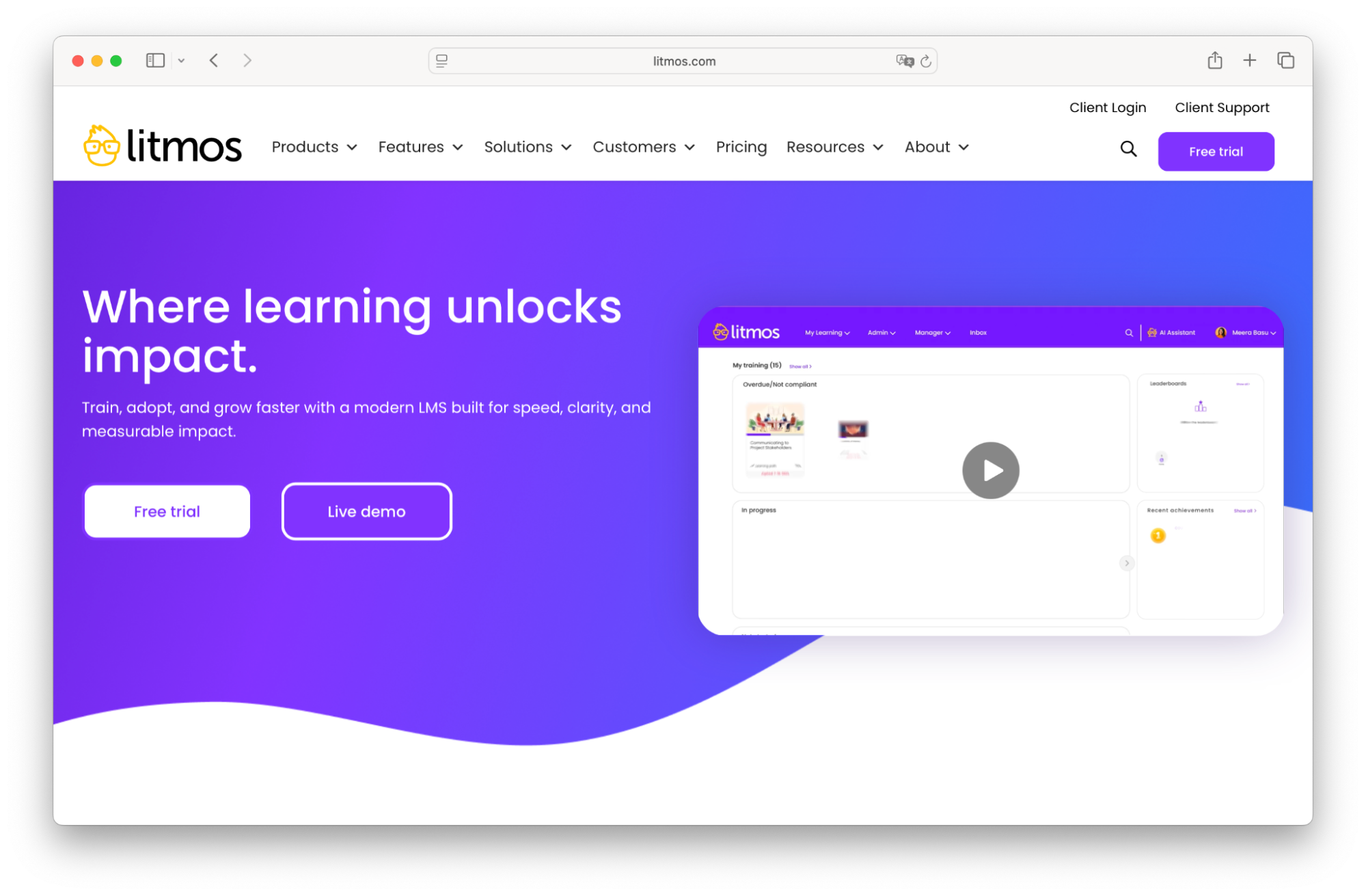
SAP Litmos is designed for organisations that need to roll out training quickly and efficiently. It offers a straightforward interface, pre-built integrations and access to ready-made content libraries. This makes it easy to get started without a long implementation process. Litmos also includes gamification features, which can help increase learner engagement. While it’s a practical solution for fast deployment, it’s less focused on deep personalisation or long-term skills development strategies.
Advantages of SAP Litmos:
Fast and easy implementation
Access to built-in content libraries
Simple, user-friendly interface
Gamification features to boost engagement
Disadvantages of SAP Litmos:
Limited personalisation and adaptive learning capabilities
Less suited for complex or long-term upskilling strategies
Fewer advanced features for learning journey design
Pricing
SAP Litmos operates on a quote‑based, tiered per‑active‑user model. Contact their team directly for more pricing information.
Website
Comparing the best LMSs for upskilling
How an LMS can help you with upskilling
Upskilling only works when learning is easy to access, relevant to the role, and clearly connected to outcomes.
That’s where an LMS comes in. Not as a content library, but as the infrastructure behind how learning is delivered, structured and improved over time.
Accessibility from anywhere
Training needs to fit into people’s day-to-day work.
An LMS makes learning available when it’s needed, not just when it’s scheduled. Whether someone is onboarding, preparing for a new responsibility, or filling a specific knowledge gap, they can access the right content without waiting for a session or a trainer.
That immediacy makes a real difference in how quickly people can apply what they learn.
Personalised learning paths
In most organisations, people start from different skill levels. Treating them the same slows everyone down.
An LMS allows you to structure learning paths based on role, experience, or prior knowledge. That way, people don’t have to sit through content they already understand and they can focus on what actually helps them move forward.
It keeps learning relevant and ultimately that’s what keeps people engaged.
With aNewSpring, it’s easy to set this up with flexible learning journeys and adaptive learning. You can guide learners through different paths based on their progress and ensure the experience stays relevant from start to finish.
Robust tracking and analytics
Without visibility, training becomes guesswork. An LMS gives you insight into how people are progressing: what they complete, where they struggle, and how they perform. This helps you identify gaps early and improve your programmes over time.
It also makes it easier to show the impact of training, which is often where upskilling initiatives fall short.
Scalable delivery
What works for one team doesn’t automatically scale to ten.
An LMS lets you deliver the same training consistently across different teams, locations, or even audiences. You’re not rebuilding programmes every time, you’re reusing and adapting what already works. That’s what makes it possible to grow without increasing complexity.
aNewSpring is designed with this in mind. By structuring content as reusable modules and course blueprints, you can scale training across different audiences while keeping the experience consistent.
Collaboration and team development
Learning doesn’t only happen through content.
When people can discuss, reflect, and share experiences, training becomes more practical and more relevant. Many LMS platforms support this through discussions, feedback loops, or blended learning formats.
That interaction helps teams develop shared understanding, not just individual knowledge.
Personal and team development
Upskilling needs to connect to what the business is trying to achieve.
An LMS helps link learning to roles, responsibilities, and team objectives. Instead of generic training, you can focus on building the capabilities that actually matter for performance.
This is where learning starts to contribute to outcomes, not just activity.
Skills development features
More platforms are moving towards skills-based learning and for good reason.
Rather than organising content as standalone courses, an LMS can help define the skills people need, assess current levels, and guide them towards closing specific gaps.
This creates a clearer path for both learners and organisations: what needs to be learned, why it matters, and what progress looks like.
FAQs about upskilling
What is upskilling and how is it different from reskilling?
Upskilling means improving the skills you already use in your current role, while reskilling means learning new skills to move into a different role. Upskilling is typically faster and helps people stay effective as their role evolves.
What are the benefits of upskilling for employees?
Upskilling helps employees stay relevant, perform better in their role and progress in their careers. It also makes day-to-day work easier by building the skills needed to solve problems more efficiently.
How does upskilling benefit companies?
Upskilling improves performance, reduces the need for external hiring, and increases employee retention. It helps organisations build the capabilities they need without starting from scratch.
What is a learning management system (LMS) and how does it support upskilling?
An LMS is a platform used to deliver, manage, and track training. It supports upskilling by structuring learning into clear programmes, making it accessible, and providing visibility into progress and results.
What features should I look for in a skills-based LMS?
Look for structured learning paths, flexibility to adapt content to different roles, clear reporting on progress, and the ability to scale training. Platforms like aNewSpring focus on learning journeys rather than standalone courses, which better supports skill development over time.